Button Pulse effect.
The button shows infinite pulse effect animation. when hover on the button "play" icon shows a smooth zoom effect & increases the size of the button.


The button shows infinite pulse effect animation. when hover on the button "play" icon shows a smooth zoom effect & increases the size of the button.

Create a mobile animated Navbar menu using clip-path CSS property. when the user clicks on the menu bar button, the menu background spreading in a round style.
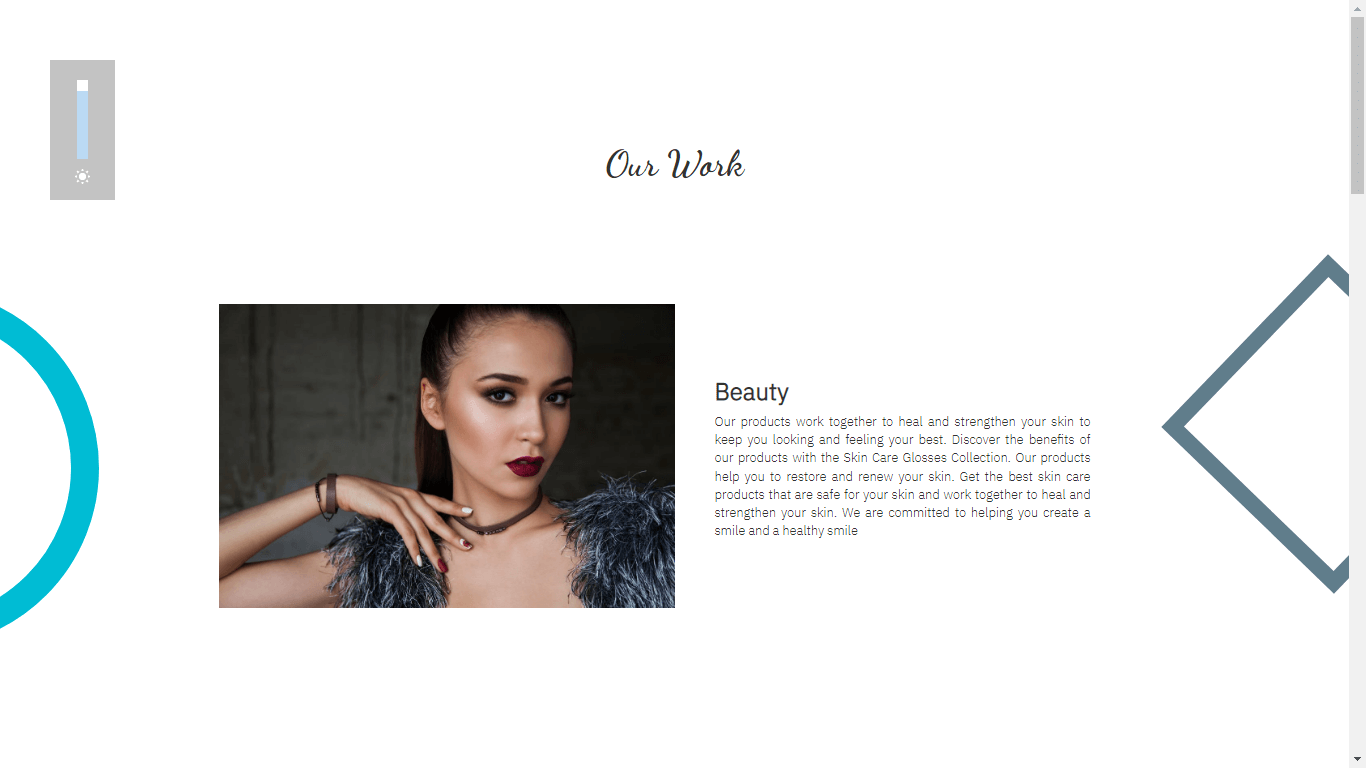
When user scrolls the page automatically shapes & overlay move on the screen.

Create Desktop Sliding Menu using HTML,CSS & Jquery,when click on the menu bar button menu will show with a sliding animation.

Design product information or Image Content information layout using Html, Bootstrap & CSS.you can use this section on the website for show highlight your main content or information.

Create social icons layout when users hover on any social content box slowly icons move on the top side & show hidden text on the box.
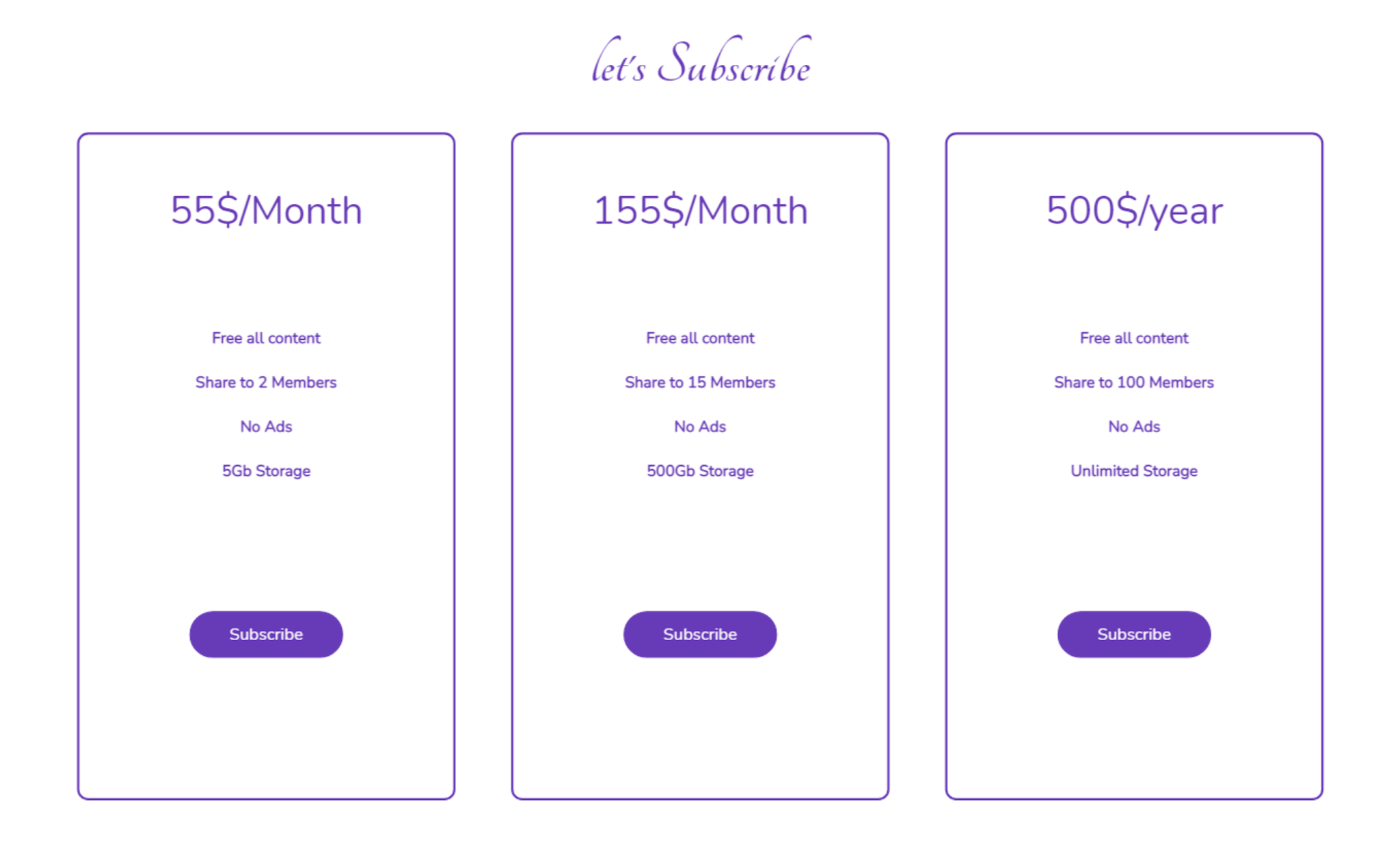
Design Subscription layout with sliding overlay effect. when click on the "subscribe" button overlay move to the current div position. using jquery get the current div index, count left align position then move on when the user clicks on div layout.

Using simple HTML, CSS & jquery make a floating menu for the website. when clicking on the "Menu" icon, menu content shows a sliding effect. only 3 lines of jquery code this floating menu is made..
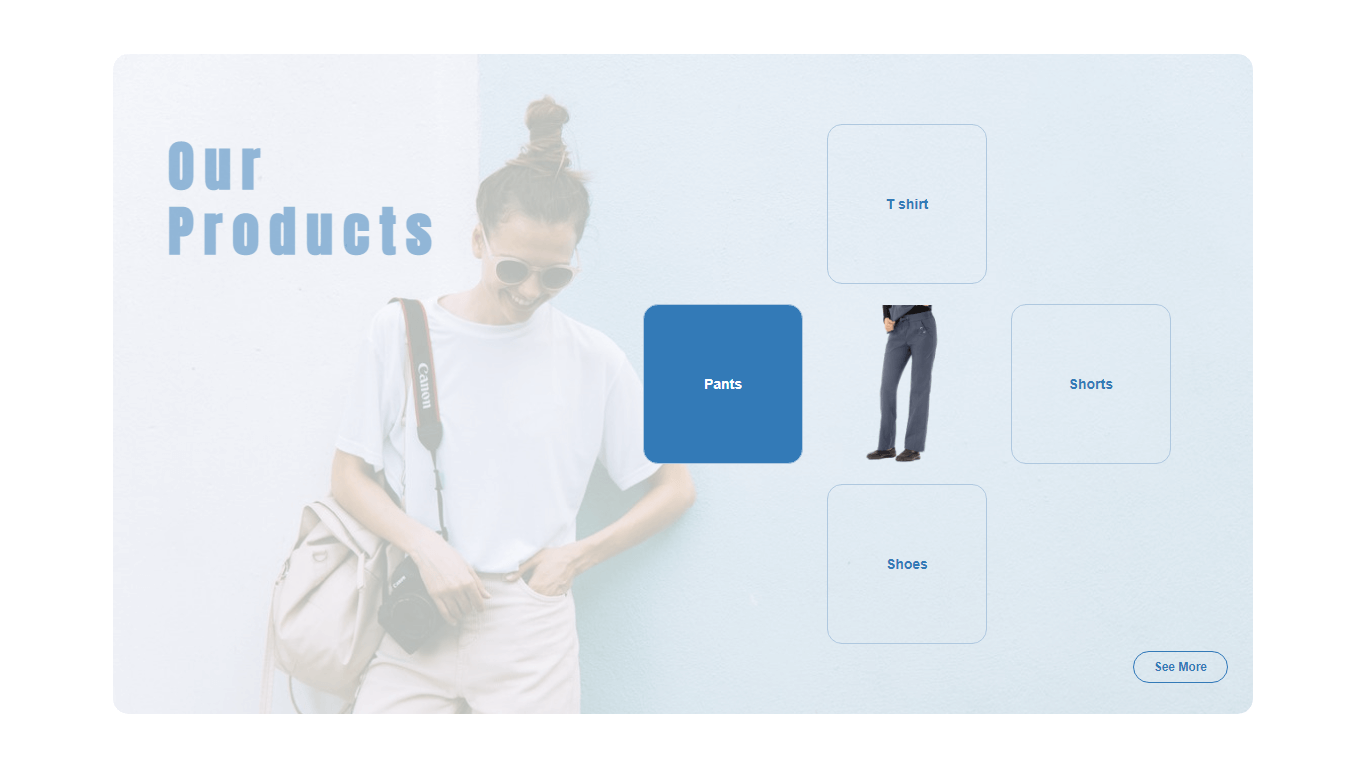
Create this layout for an e-commerce website platform, show your main product offers, special items, limited products & many more. this can you on all platforms like Fashion, electronics, furniture, etc.
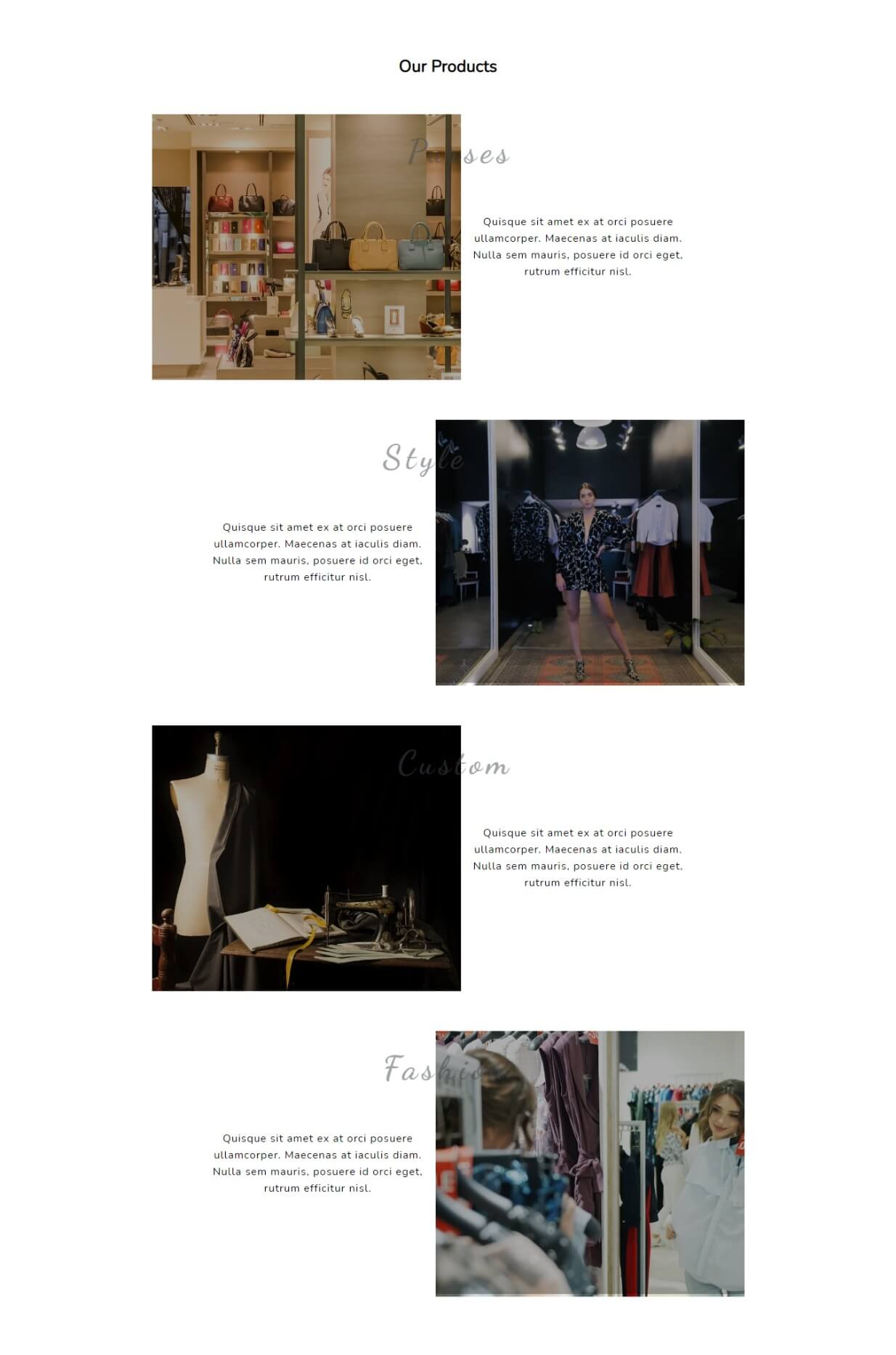
Create a zig-zag product layout with Image & Video. automatically even & odd row adjust in left-right position. you can use this design to show fashion & product content on the website.
Create a dynamic social icons section in Shopify. you can change social icons using drop-down,3-4 types of icons category available & change their color & size,i use Font Awesome icons in this social section. also, add a link in the icon.

Create a mobile animated Navbar menu using clip-path CSS property. when the user clicks on the menu bar button, the menu background spreading in a round style.